Nearby Places lets you catalog the infrastructure and amenities around your lead sites — schools, hospitals, transit, and more. This data feeds into proximity insights that help you evaluate site attractiveness for residential, commercial, or mixed-use development. The better your nearby places data, the stronger your site evaluations.
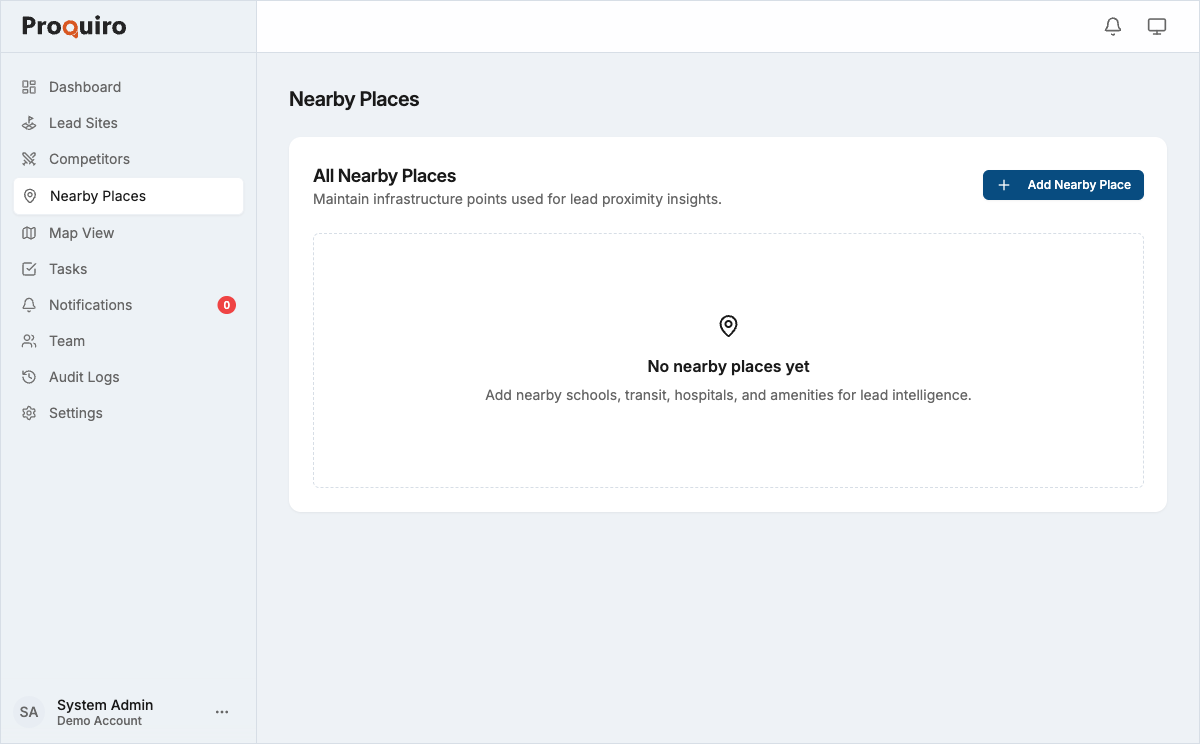
How to add a nearby place
- Go to Nearby Places in the sidebar.
- Click Add Nearby Place in the top right.
- Fill in the details:
- Name — A descriptive label (e.g. “Central Metro Station”). Be specific enough that teammates can identify it without visiting.
- Category — Choose from School, Hospital, Railway Station, Mall/Supermarket, Bank, Airport, or University.
- Address — The street address of the location.
- Google Maps URL — Paste a Google Maps link to auto-fill coordinates, or click directly on the map.
- Location — Confirm the pin on the interactive map. You can also click My Location to use your current position.
- Click Create Nearby Place.
Tip: Add nearby places while you’re on a site visit — your GPS is already in the right area, and you can use My Location to quickly pin places you pass on the way.
Setting the location
There are three ways to set coordinates:
- Paste a Google Maps URL — Drop a
maps.app.goo.gllink into the Google Maps URL field. The map pin updates automatically. This is the most accurate method. - Click the map — Click anywhere on the embedded map to drop a pin at that position. Great for quick placement when you know the approximate spot.
- Use My Location — Click the My Location button below the map to use your device’s GPS. Best used when you’re physically at or near the place.
Categories
Each nearby place is tagged with a category that determines how it appears in proximity reports:
| Category | Examples |
|---|---|
| School | Primary schools, secondary schools, coaching centres |
| Hospital | Government hospitals, private clinics, nursing homes |
| Railway Station | Local train stations, metro stations |
| Mall / Supermarket | Shopping malls, grocery supermarkets |
| Bank | Bank branches, ATM clusters |
| Airport | Domestic and international airports |
| University | Colleges, universities, research campuses |
Tip: Focus on the categories that matter most for your target development type. Residential projects benefit from schools and hospitals; commercial projects care more about transit and banks.
Editing a nearby place
- Go to Nearby Places in the sidebar.
- Click the nearby place you want to update.
- Click Edit.
- Update any field — name, category, address, or location.
- Click Save.
You can also delete a nearby place from the edit page. Deletion is permanent and removes the place from all proximity calculations, so make sure the place is genuinely irrelevant before removing it.
Next steps
Once you have nearby places on the map, they feed into the Map View and proximity analysis for each lead site, giving your team data-driven context when evaluating locations. The more complete your nearby places data, the more useful those evaluations become.