Getting started with Proquiro takes less than a minute. Here’s how to create your account and log in for the first time.
Create your account
You have two options — pick whichever feels easiest:
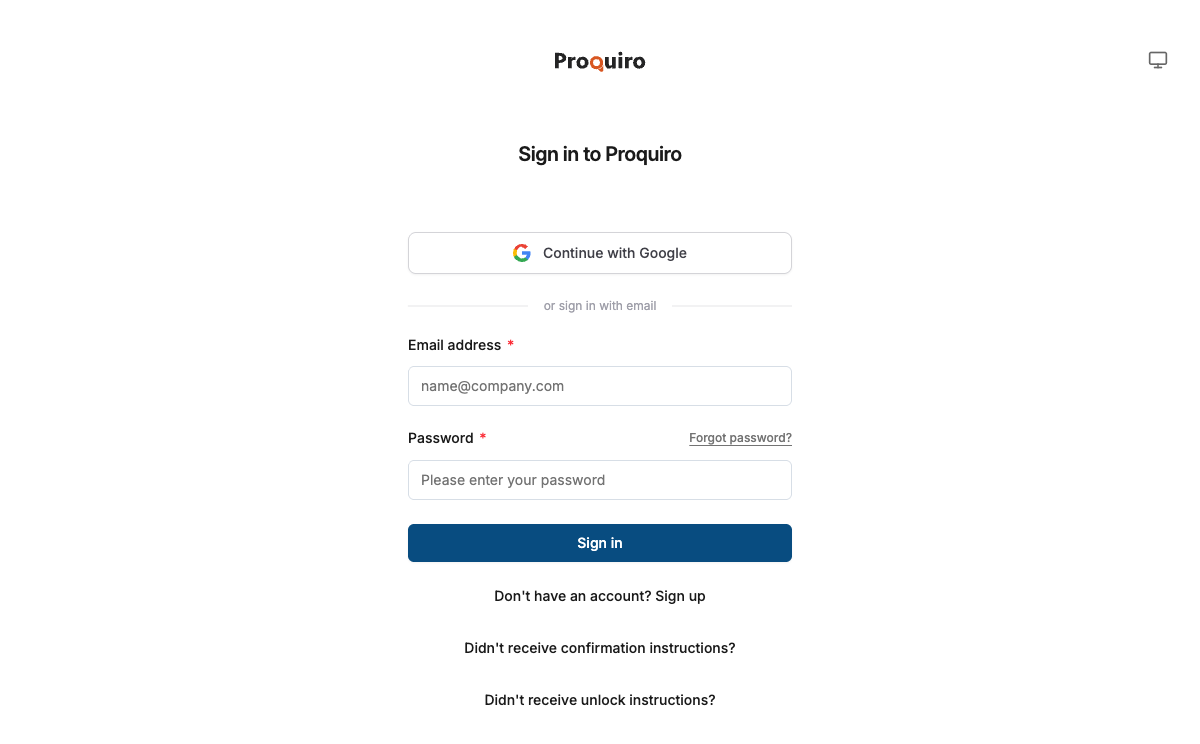
- Email & Password — Visit the sign-up page, enter your name, email address, and choose a password. You’ll receive a confirmation email to verify your address.
- Google Sign-In — Click “Continue with Google” to use your existing Google account. No separate password needed, and you skip the email verification step entirely.
Tip: If your team already uses Google Workspace, Google Sign-In is the fastest path — one click and you’re in.
Confirm your email
If you signed up with email, check your inbox for a confirmation link. Click it to activate your account. The link expires after 24 hours — if it expires, just request a new one from the sign-in page. This step keeps your account secure and ensures notifications reach the right inbox.
First login
After confirming your email (or signing in with Google), you’ll land on the onboarding checklist. This walks you through setting up your first team and getting familiar with the dashboard — think of it as your guided tour of the platform.
Troubleshooting
- Didn’t receive the confirmation email? Check your spam or promotions folder first. Still nothing? Click “Resend confirmation” on the sign-in page. Emails typically arrive within a minute or two.
- Already have an account? If you see “Email already taken,” try signing in instead, or use the password reset flow to recover access.