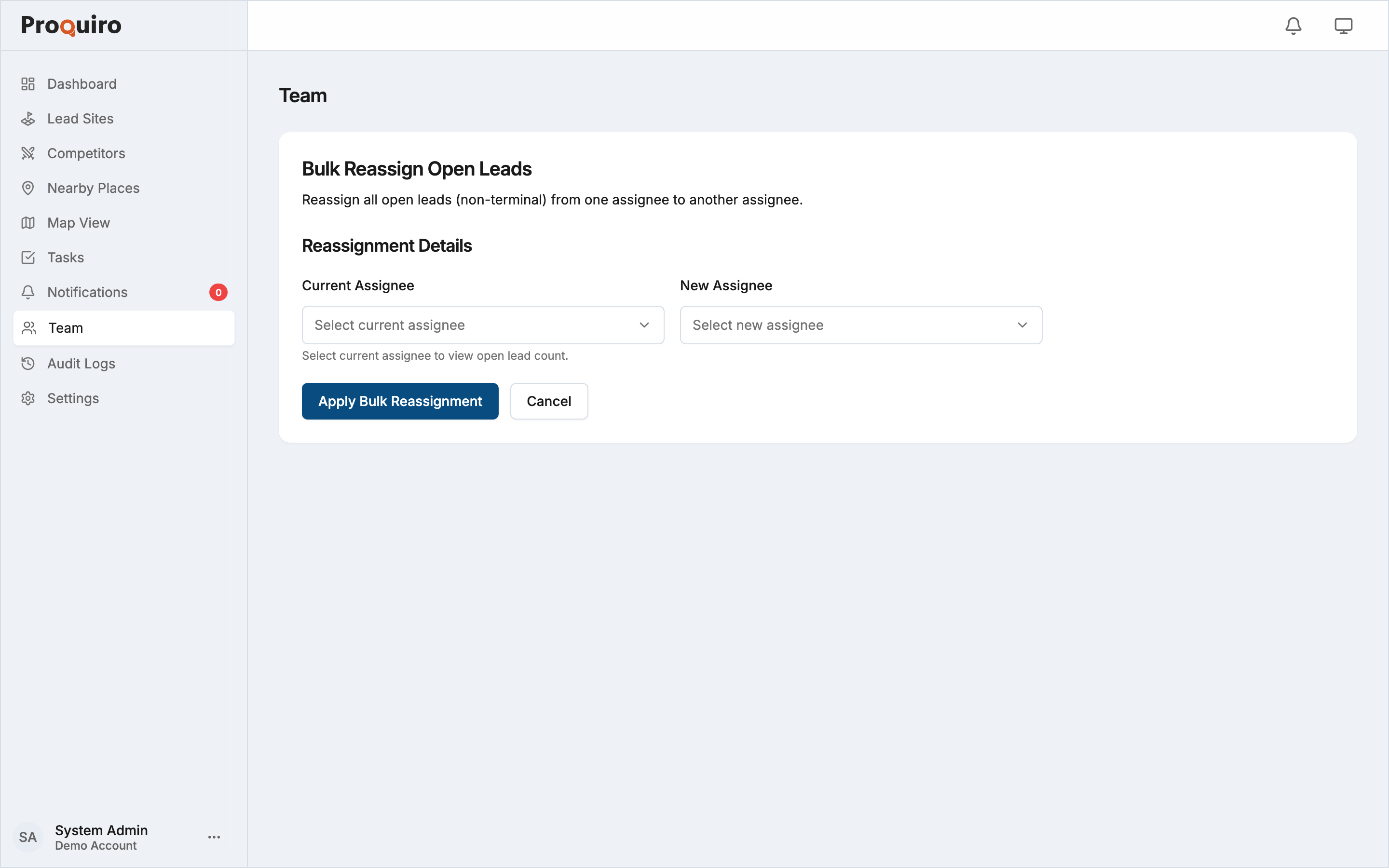
Bulk reassignment lets you move all open leads from one team member to another in a single action. Use it when someone leaves the team, goes on leave, or when workloads are uneven and you need to redistribute quickly.
Bulk reassignment requires a Pro plan or above.
When to use it
- A field executive or manager is leaving and their active leads need to be handed over
- A team member is overloaded and you want to redistribute their open leads to another person
- You’re restructuring territory assignments and need to shift a full pipeline
How to access it
- Go to Team from the sidebar navigation
- Click “Bulk Reassign Leads” — this button is only visible if your account is on Pro or above and has at least two assignable members
How it works
- On the Bulk Reassign page, select the Current Assignee — the person whose leads you want to move. The form shows how many open leads are currently assigned to them.
- Select the New Assignee — the person taking over those leads. The current assignee is automatically excluded from this list to prevent accidental no-op reassignments.
- Click Apply Bulk Reassignment.
Only open leads (non-terminal statuses) are transferred. Leads that have already been won, lost, or otherwise closed are not affected.
What happens after
- All open leads previously assigned to the source member are immediately reassigned to the new member
- An entry is recorded in the audit log with the names of both team members and the number of leads transferred
- Both the source and new assignee receive an in-app notification about the reassignment (you, as the person who initiated it, are not notified)
Note: Bulk reassignment cannot be undone in one click. If you need to reverse it, run the tool again with the assignments swapped.