Refund requests must be submitted within 7 calendar days of the relevant billing date. Each request is considered case-by-case and may be granted at Proquiro’s sole discretion. Submitting a request does not create an automatic entitlement to a refund. Fees outside that window are non-refundable except where required by law.
How to request a refund
Email support@proquiro.com from the email address on your account with the subject line Refund request. Include:
- Your account email, if different from the sender
- The payment date and invoice or payment reference
- Your plan
- A brief reason for the request
We may ask for further information needed to verify the payment or review the request.
If a refund is approved
Approved refunds are returned to the original payment method through our payment partner. Processing time depends on the payment provider and your bank.
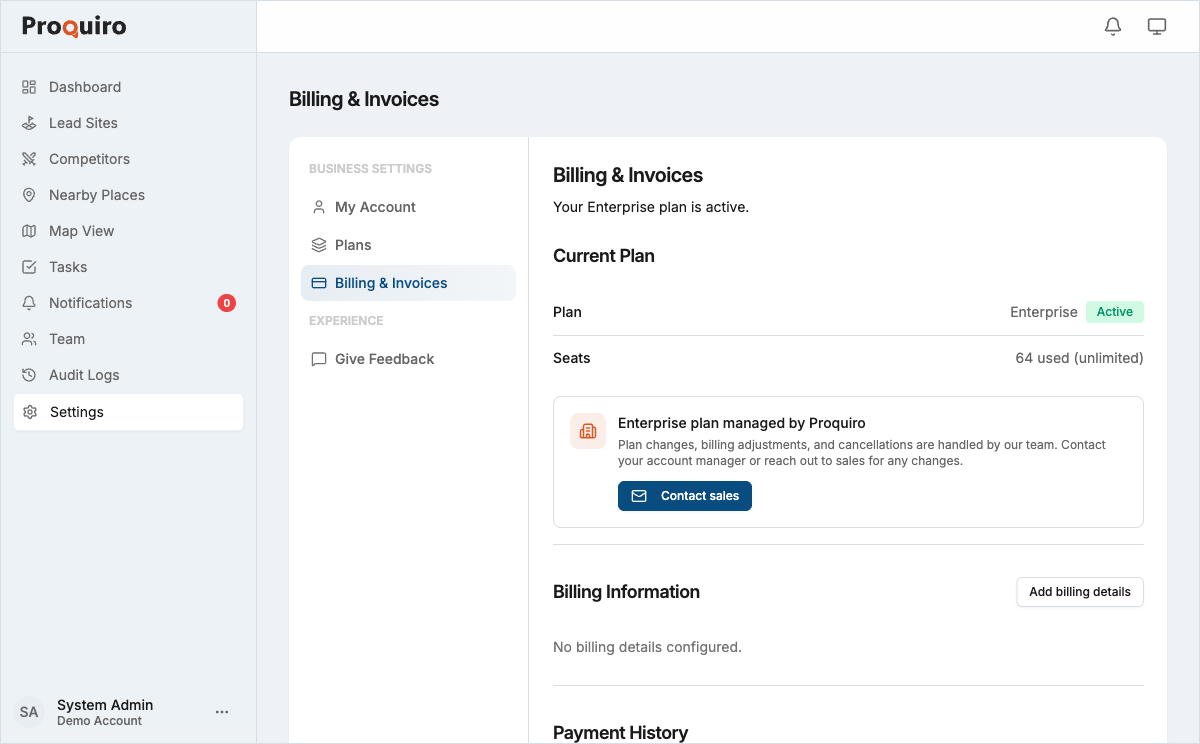
You can check the recorded status in Settings → Billing & Invoices.
What happens to your account
An approved refund may include immediate cancellation of the related subscription. If it does:
- Your account becomes read-only — your data stays safe, but writes are blocked.
- Nothing is deleted. If you subscribe again later, your existing data remains available.
Cancellation without a refund follows the standard subscription rules. See Managing your subscription for details.
The governing refund terms are in our Terms and Conditions. Our Cancellation & Refund Policy explains the request process and how approved refunds are returned. If you have questions before making a payment, contact support@proquiro.com.